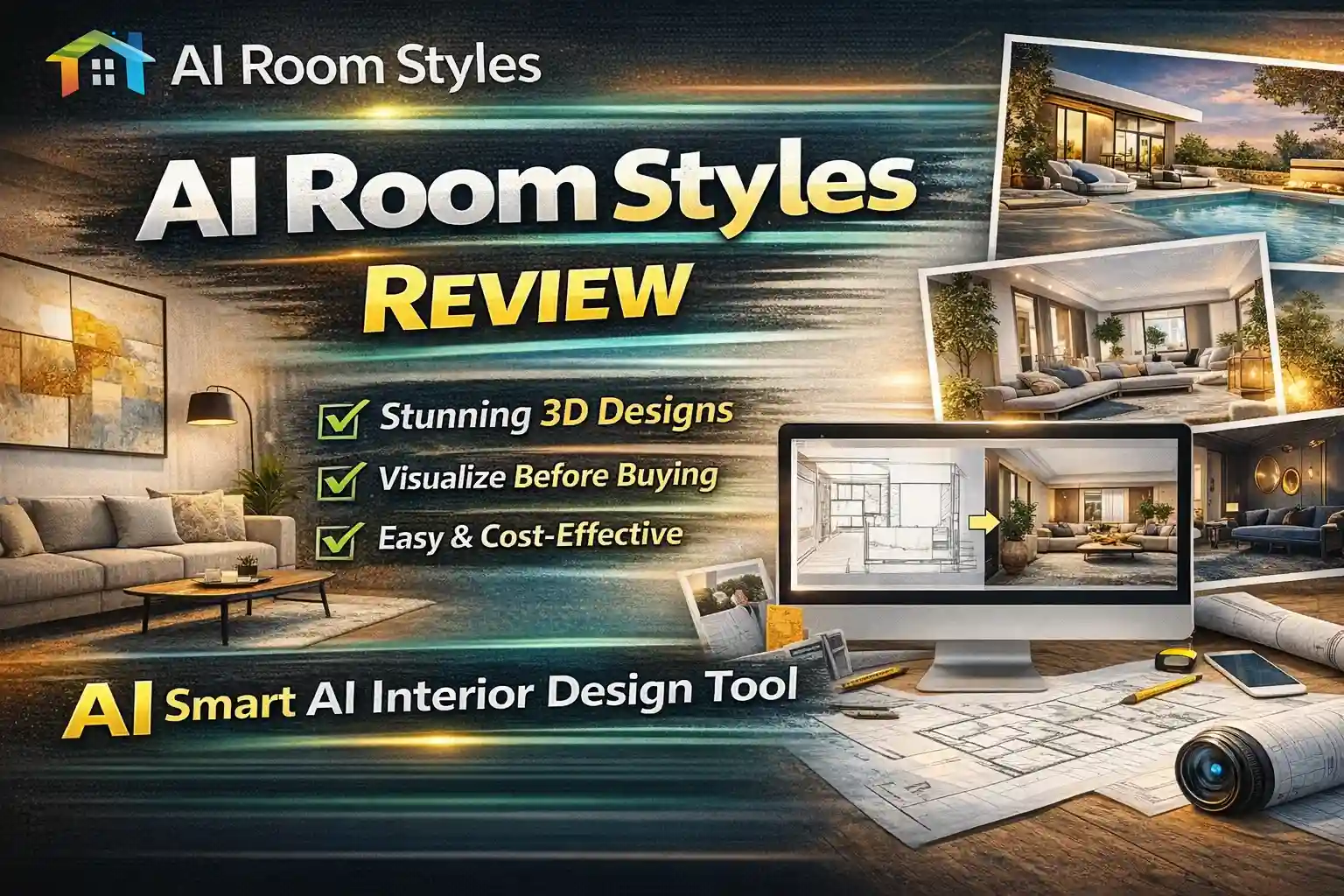
Designing a room often starts with excitement—and quickly turns into doubt.
Will this sofa match the walls?
Is this layout too crowded?
What if the final result looks nothing like what you imagined?
This uncertainty costs time, money, and peace of mind.
That’s where AI Room Styles changes the game.
Instead of guessing, sketching endlessly, or relying only on imagination, AI Room Styles lets you see your future space before making a single purchase. By combining artificial intelligence with interior design logic, it transforms ordinary room photos into polished, realistic design concepts—instantly.
Whether you’re a homeowner planning a makeover or a professional presenting ideas to clients, AI Room Styles feels like having a smart interior designer available 24/7.
AI Room Styles is an AI-powered interior design platform that allows users to visualize realistic room designs from photos using artificial intelligence. It helps homeowners, designers, and architects explore multiple room styles, test furniture layouts, and plan renovations confidently—saving time, money, and creative effort.
What Is AI Room Styles?
AI Room Styles is an AI-driven room visualization and virtual staging tool that helps users redesign interiors using uploaded photos.
In simple terms, it:
- Analyzes your room image
- Understands layout, lighting, and structure
- Applies professional interior design styles
- Generates realistic, high-quality room visuals
Unlike traditional design software that requires technical skills, AI Room Styles focuses on ease, speed, and inspiration, making it accessible even to complete beginners.
Why AI Room Styles Is Gaining Popularity in 2026
AI Room Styles has earned recognition as one of the most innovative room design tools because it solves real-world problems:
- Visualizing changes before spending money
- Exploring multiple styles quickly
- Reducing design mistakes
- Making design decisions with confidence
With over 60,000 users worldwide and industry recognition for innovation, it has become a trusted platform for both personal and professional use.
How AI Room Styles Works (Step-by-Step)
One of the biggest strengths of AI Room Styles is how intuitive the process feels.
Step 1: Chat With the AI Designer
You start by interacting with an AI chatbot that understands your:
- Style preferences
- Budget considerations
- Design goals
This makes the experience feel collaborative, not technical.
Step 2: Upload Your Room Photo
Upload a photo of your:
- Living room
- Bedroom
- Kitchen
- Workspace
- Or any interior space
Step 3: Generate Virtual Staging
AI automatically creates fully staged room designs using professional layouts and furniture combinations.
Step 4: Refine in Manual Mode
Want more control? Switch to manual mode and:
- Replace entire furniture sets
- Ask the AI for design suggestions
- Explore different styles instantly
Step 5: Replace Individual Elements
Fine-tune the space by changing:
- Sofas
- Chairs
- Tables
- Wall art
- Decorative accents
Step 6: Shop With Confidence
Use integrated shopping tools or Google Lens to find real furniture that matches your AI-generated design.
Key Features of AI Room Styles
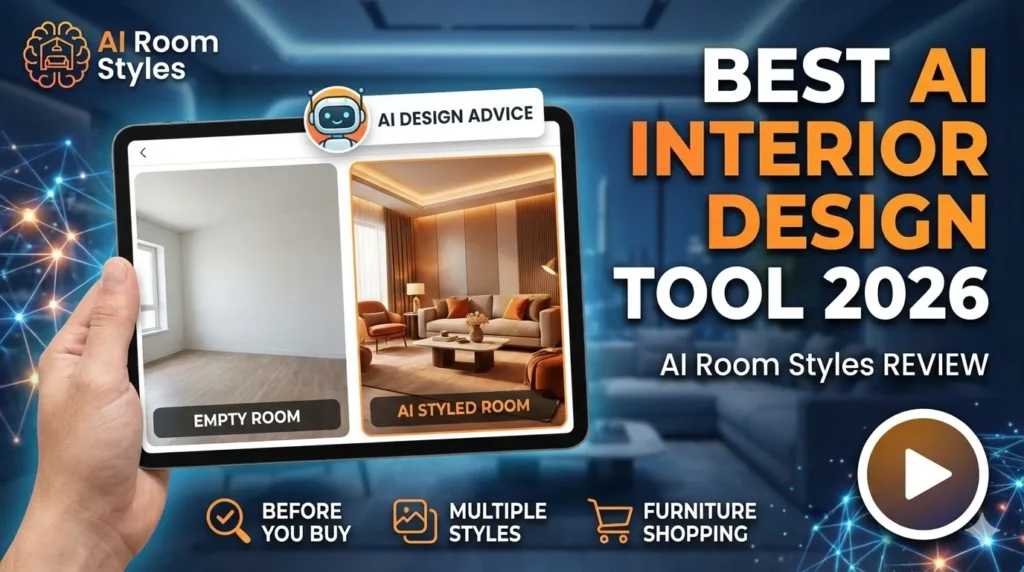
1. AI-Powered Room Visualization
AI Room Styles excels at turning plain rooms into beautifully styled interiors with realistic lighting, textures, and layouts.
2. Multiple Room Styles
Explore a wide variety of styles, including:
- Modern
- Minimalist
- Contemporary
- Luxury
- Scandinavian
- Artistic blends
Each design feels unique, not repetitive.
3. Chatbot Interior Design Advice
Instead of guessing, users can ask the AI designer questions like:
- “How can I make this room feel bigger?”
- “What color palette works best here?”
- “Suggest budget-friendly decor ideas”
This makes design feel interactive and guided.
4. Virtual Staging for Real Estate
AI Room Styles is extremely valuable for:
- Real estate listings
- Property staging
- Rental presentations
Empty or underwhelming spaces become visually appealing instantly.
5. Furniture Replacement & Customization
You can swap out individual elements instead of regenerating entire rooms—saving time and improving accuracy.
6. Furniture Shopping Integration
The platform bridges the gap between inspiration and action by helping users find real products that match their designs.
Benefits of Using AI Room Styles
AI Room Styles isn’t just about visuals—it’s about better decisions.
Key Benefits
- Visualize changes before buying anything
- Save money by avoiding design mistakes
- Speed up decision-making
- Access interior design expertise instantly
- Create cohesive, well-balanced spaces
- Ideal for both professionals and homeowners
Who Should Use AI Room Styles?
AI Room Styles adapts well to different needs:
Homeowners & Renters
- Plan renovations confidently
- Experiment without risk
- Avoid costly furniture mismatches
Interior Designers
- Generate multiple concepts fast
- Impress clients visually
- Speed up approvals
Architects
- Present ideas clearly
- Show multiple possibilities for one space
Real Estate Professionals
- Stage properties virtually
- Increase listing appeal
- Attract buyers emotionally
AI Room Styles Pricing Overview
AI Room Styles offers flexible pricing designed for accessibility.
Free Plan
- Up to 20 AI-generated room inspirations per month
- Ideal for casual users and first-time explorers
Paid Plans
- Higher generation limits
- Advanced customization
- HD-quality outputs
- Priority processing
Compared to hiring designers or investing in complex software, AI Room Styles is cost-effective and scalable.
Pros and Cons of AIRoomStyles
Pros
- Beginner-friendly interface
- Realistic and high-quality designs
- Multiple design styles
- Chat-based design guidance
- Virtual staging capabilities
- Time and cost efficient
Cons
- Requires good-quality input photos
- Not a replacement for detailed CAD drawings
- Final execution still needs human judgment
AI Room Styles vs Traditional Interior Design Tools
Compared to heavy tools like CAD or SketchUp:
- AI Room Styles is faster
- Requires no technical skills
- Focuses on inspiration and visualization
- Ideal for early-stage decision-making
It’s not meant to replace professionals—but to empower them.
Frequently Asked Questions (FAQs)
Is AI Room Styles free to use?
Yes, it offers 20 free AI-generated designs per month.
Can beginners use AI Room Styles easily?
Absolutely. No design background is required.
Does AI Room Styles work for commercial spaces?
Yes, it supports residential and commercial interiors.
Can I shop furniture from the designs?
Yes, through integrated shopping tools and Google Lens.
Does it replace interior designers?
No. It supports creativity and decision-making, not replaces human expertise.
Final Verdict: Is AI Room Styles Worth It in 2026?
If you want clarity before commitment, AI Room Styles is worth using.
It removes guesswork.
It sparks creativity.
It helps you see possibilities clearly.
For homeowners, designers, architects, and real estate professionals, AI Room Styles acts as a bridge between imagination and reality—making design decisions faster, smarter, and more confident.
Ready to see your space differently?
Start exploring AI Room Styles today and experience how artificial intelligence can transform your design ideas into stunning visual realities—before you spend a single rupee or dollar.
Try AI Room Styles and design with confidence.