If you’re an architect or designer, you already know this pain.
You spend hours perfecting a concept…
Only to wait days for renders…
Or worse—your laptop overheats, crashes, or demands another expensive GPU upgrade.
Rendering, ironically, often becomes the biggest bottleneck in the creative process.
That’s exactly the problem MyArchitectAI was built to solve.
Instead of replacing your design workflow, MyArchitectAI enhances it—by turning your existing designs into realistic renders in seconds, not hours or days. No installs. No complex settings. No steep learning curve.
Just upload, click once, and let AI handle the heavy lifting.
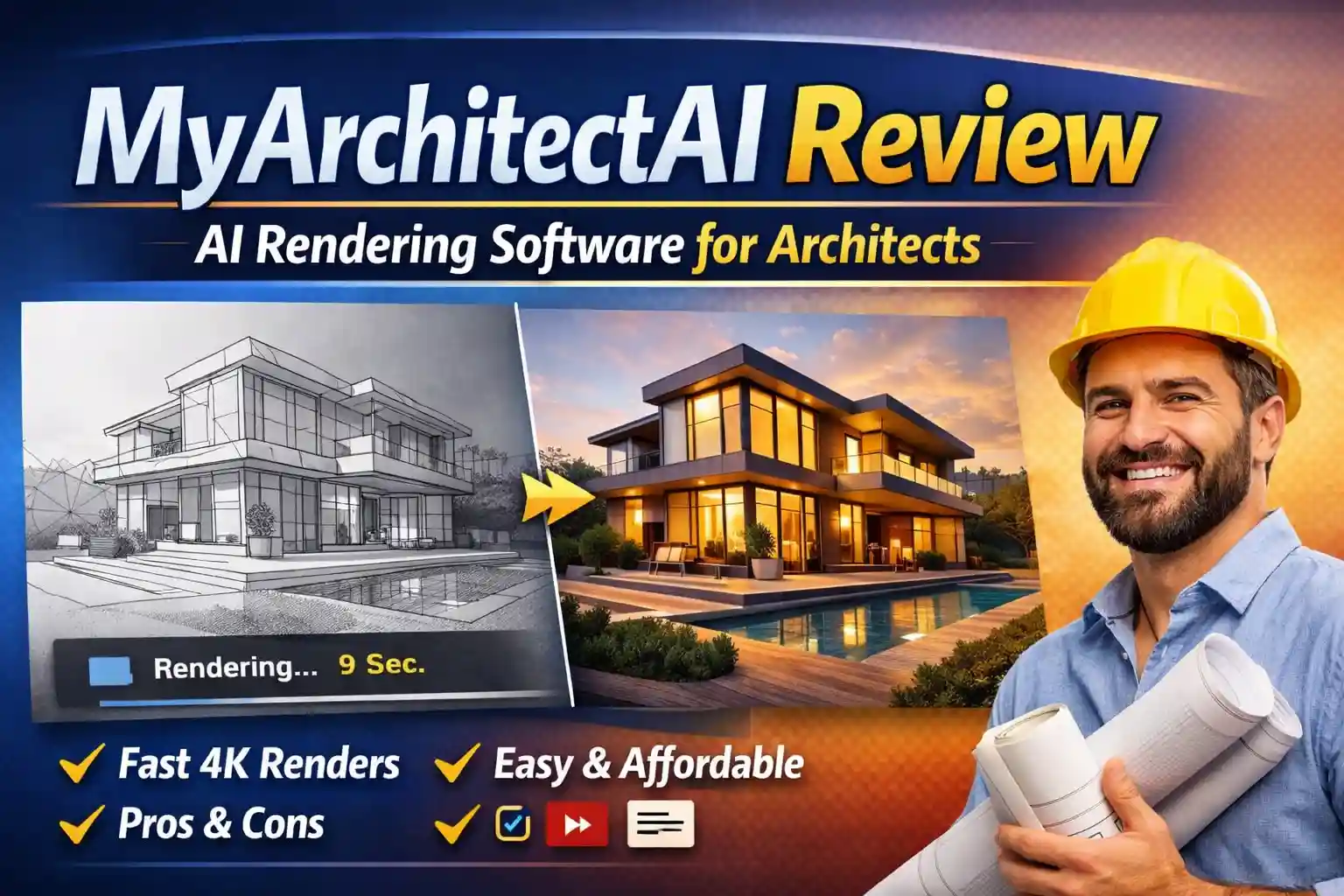
MyArchitectAI is a browser-based AI rendering software that helps architects, interior designers, and real estate professionals convert sketches, CAD exports, and 3D models into photorealistic renders in under 10 seconds. It eliminates long rendering times, expensive hardware requirements, and complex learning curves—making high-quality visualization fast, affordable, and accessible.
What Is MyArchitectAI?
MyArchitectAI is an AI-powered architecture rendering platform that transforms interior and architectural designs into photorealistic visuals using artificial intelligence.
Unlike traditional render engines like V-Ray, Lumion, or Twinmotion, MyArchitectAI:
- Runs entirely in your browser
- Requires zero hardware power
- Keeps your geometry and materials intact
- Delivers results in under 10 seconds
It’s designed specifically for early-stage visualization, client presentations, and rapid concept development—where speed and clarity matter more than manual tweaking.
Why MyArchitectAI Is Gaining Massive Attention in 2026
The architecture industry is shifting fast. Clients want visuals earlier. Revisions happen constantly. Speed wins projects.
My Architect AI fits perfectly into this new reality because it offers:
- Ultra-fast rendering (average ~9 seconds)
- AI that respects original geometry
- No learning curve
- Works on any device
- Fraction of traditional rendering costs
With 1.5+ million renders generated and thousands of professionals using it worldwide, it’s quickly becoming a serious alternative—not just an experiment.
How My Architect AI Works (Step-by-Step)
One of the biggest strengths of My Architect AI is how simple it feels—even for first-time users.
Step 1: Upload Your Design
Upload an image exported from:
- SketchUp
- Archicad
- Revit
- Rhino
- Any CAD or 3D modeling software
Supported formats include JPG, PNG, and WEBP.
Step 2: Choose the AI Engine
Select the appropriate engine depending on your goal:
- Render Engine – for photorealistic results
- Style Transfer – for conceptual exploration
- Enhancer – for improving low-resolution renders
Step 3: Generate & Download
Within seconds, MyArchitectAI handles:
- Lighting
- Materials
- Textures
- Scene realism
You receive a 4K-quality render, ready to present, share, or refine.
Core Features of MyArchitectAI
1. One-Click AI Rendering Engine
This is the heart of the platform.
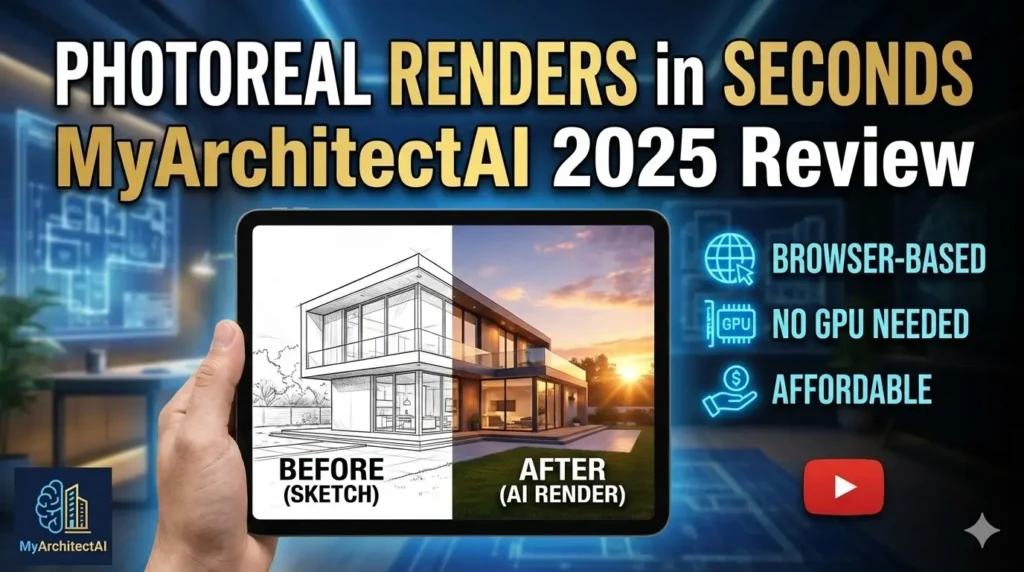
MyArchitectAI renders your design without altering geometry or textures, making it ideal for professional workflows where accuracy matters.
Best for:
- Client presentations
- Early approvals
- Fast concept validation
2. Sketch-to-Render AI Style Transfer
Have a rough sketch or line drawing?
Upload it, add a reference image, and MyArchitectAI blends the style seamlessly—while keeping the original structure intact.
Perfect for:
- Concept ideation
- Exploring multiple aesthetics
- Design competitions
3. AI Render Editing (Selective Editing)
Instead of re-rendering everything, you can:
- Change materials
- Replace textures
- Adjust lighting
- Add/remove objects
Only the selected area updates—saving massive time.
4. AI Render Enhancer
Got an old or low-resolution render?
The enhancer improves:
- Sharpness
- Lighting balance
- Textures
- Noise reduction
You control creativity with a slider—subtle polish or bold enhancement.
5. Cloud-Based, No Hardware Dependency
This is a game-changer.
- No GPU required
- No overheating laptops
- No installs or updates
Everything runs on MyArchitectAI’s high-end cloud GPUs.
Who Should Use MyArchitectAI?
Architects
- Faster concept visualization
- Better client communication
- More iterations in less time
Interior Designers
- Mood exploration
- Material testing
- Client-friendly visuals
Real Estate Professionals
- Virtual staging
- Faster listings
- Higher emotional impact
Students & Freelancers
- No expensive software
- Zero learning curve
- Professional-grade output
MyArchitectAI Pricing Overview
MyArchitectAI keeps pricing refreshingly simple.
Free Plan
- 10 renders included
- Perfect for testing and exploration
Paid Plans (Starting around $29/month)
- Higher render limits
- Commercial usage rights
- Priority processing
- High-resolution downloads
Compared to:
- Hiring render artists
- Paying per-image services
- Investing in heavy software
…it’s extremely cost-effective.
Pros and Cons of MyArchitectAI
Pros
- Lightning-fast rendering
- Browser-based (no installs)
- Keeps geometry accurate
- Beginner-friendly
- Affordable pricing
- Works on any device
Cons
- Not meant for final cinematic renders
- Requires clean input images
- Limited manual micro-control (by design)
MyArchitectAI vs Traditional Rendering Software
| Feature | MyArchitectAI | V-Ray / Lumion |
|---|---|---|
| Rendering Time | Seconds | Hours / Days |
| Learning Curve | None | Steep |
| Hardware Needed | None | High-end GPU |
| Cost | Low monthly | High upfront |
| Best Use | Concept & client previews | Final production |
Bottom line:
MyArchitectAI isn’t replacing traditional tools—it’s replacing waiting.
FAQs About MyArchitectAI
Is MyArchitectAI suitable for beginners?
Yes. No rendering or 3D expertise required.
Does it work on mobile devices?
Yes, fully browser-based on all devices.
Can I use the renders commercially?
Yes, paid plans include full commercial rights.
How fast are renders generated?
Most renders are ready in under 10 seconds.
Does it support multiple CAD tools?
Yes, as long as you export images (JPG/PNG).
Final Verdict: Is MyArchitectAI Worth It in 2026?
If speed, simplicity, and clarity matter to your workflow—MyArchitectAI is absolutely worth it.
It doesn’t try to replace architects.
It removes friction from the creative process.
And it gives you back the one thing professionals value most—time.
For rapid visualization, client buy-in, and concept validation, MyArchitectAI feels less like software and more like a competitive advantage.
Ready to render smarter, not harder?
Try MyArchitectAI today and experience how AI can transform your architectural workflow—without hardware limits, learning curves, or long waits.
Create your first render in seconds and see the difference.