Designing a home is deeply personal.
But let’s be honest—it can also be confusing, expensive, and time-consuming.
You imagine a cozy living room…
…but struggle to visualize how furniture fits.
You like a style…
…but can’t tell if it works in your space.
This is exactly where Homestyler shines.
Homestyler bridges the gap between imagination and reality by letting you design, decorate, and visualize your home in 3D—before spending a single rupee or dollar.
Whether you’re a complete beginner or a design professional, Homestyler makes interior design feel intuitive, creative, and surprisingly fun.
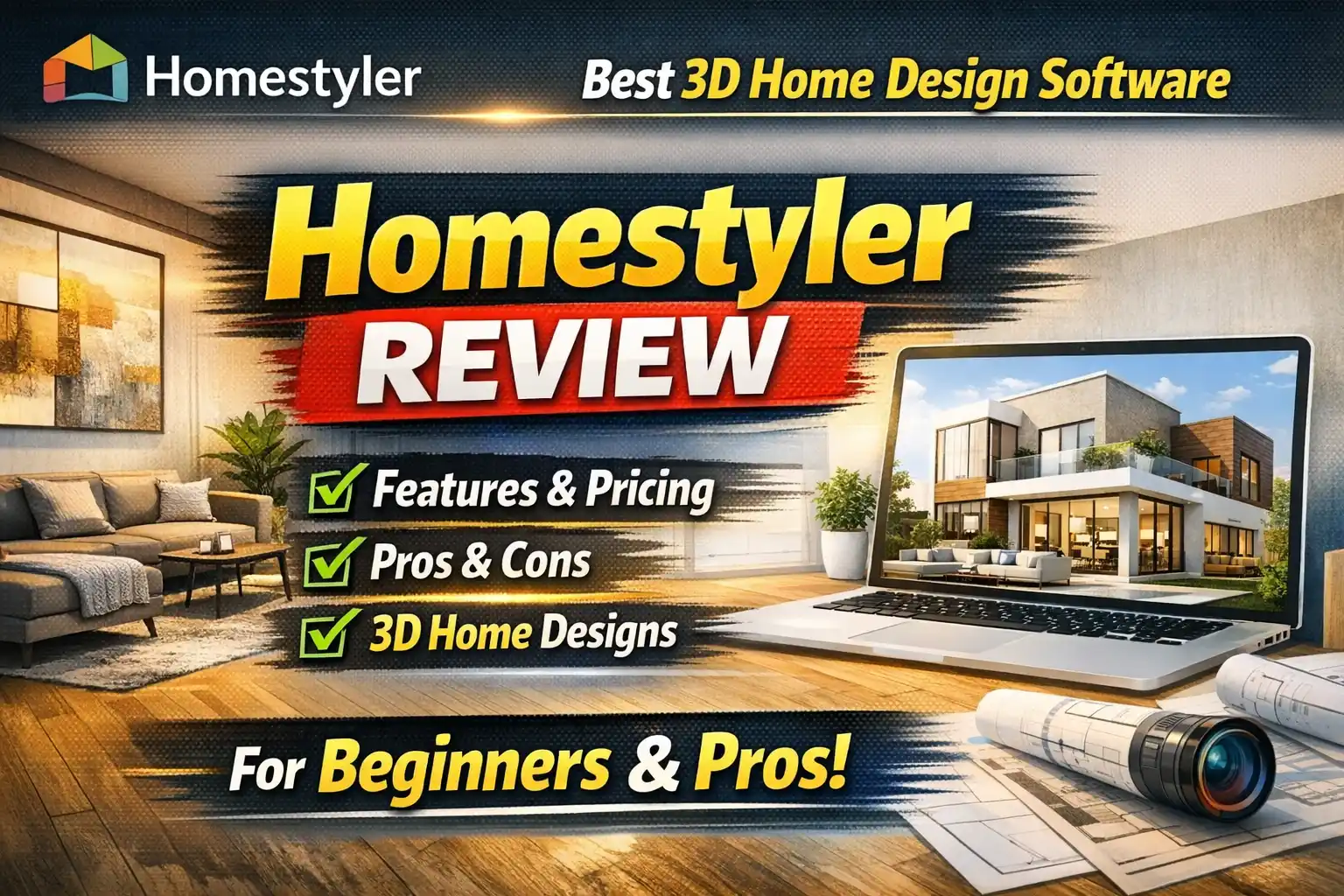
Homestyler is a powerful 3D home design software that allows users to create floor plans, decorate interiors with realistic furniture, and visualize designs using high-quality renders. It’s ideal for homeowners, interior designers, real estate professionals, students, and brands looking for an easy yet professional interior design solution.
What Is Homestyler?
Homestyler is an all-in-one 3D home design and interior planning platform that allows users to:
- Draw or upload floor plans
- Convert 2D layouts into editable 3D models
- Decorate with millions of realistic furniture items
- Generate high-quality renders with one click
It’s available on web, desktop, iOS, and Android, making it accessible anytime, anywhere.
Trusted by 20+ million designers worldwide, Homestyler has evolved from a simple planning tool into a full-scale design ecosystem.
Why Homestyler Is So Popular in 2026
Homestyler doesn’t try to intimidate users with complex tools. Instead, it focuses on clarity, speed, and realism.
What makes it stand out:
- No steep learning curve
- Massive 3D model library
- Cloud-based rendering
- Strong AI assistance
- Active design community
It feels less like “software” and more like a creative workspace.
How Homestyler Works
Step 1: Draw or Upload Your Floor Plan
You can:
- Draw walls manually
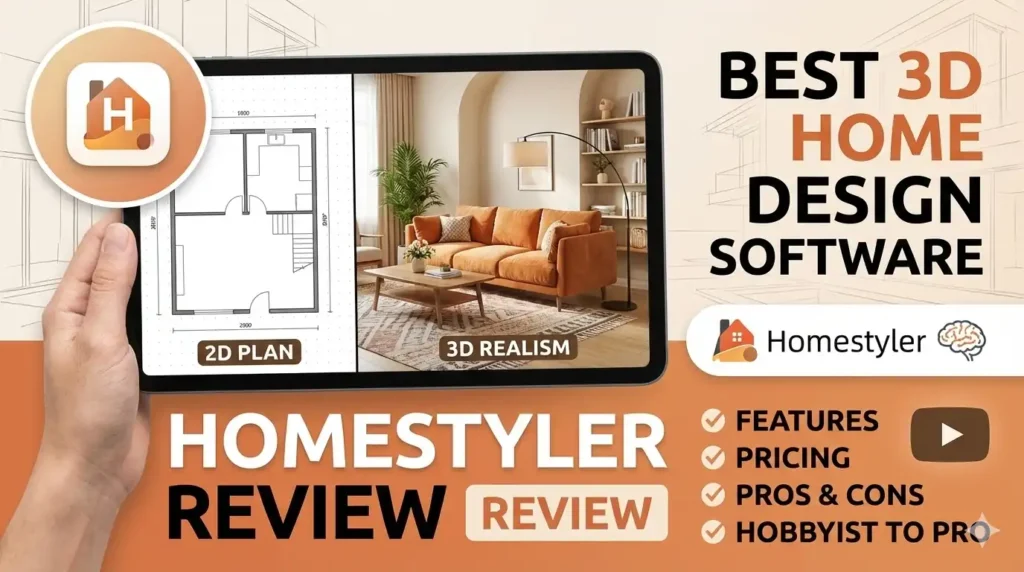
- Upload a 2D floor plan
- Import sketches
Homestyler AI instantly converts it into a fully editable 3D house model.
Step 2: Decorate With 10M+ 3D Models
This is where creativity comes alive.
You can drag and drop:
- Sofas, beds, tables
- Lighting fixtures
- Kitchen cabinets
- Bathroom fittings
- Outdoor furniture
All models are realistic and proportionally accurate.
Step 3: Visualize With One-Click Rendering
With cloud rendering, you can:
- Generate realistic images
- Adjust lighting and camera angles
- Create presentation-ready visuals
No heavy hardware needed.
Key Features of Homestyler
1. Powerful 3D Floor Planner
Homestyler’s floor planner allows precise wall measurements, room layouts, and structural accuracy—ideal for real-world planning.
2. 500+ Ready-Made Design Templates
If you don’t want to start from scratch, Homestyler offers pre-designed templates in styles like:
- Modern
- Minimalist
- Japandi
- Mid-Century
- Contemporary
- Warm Beige
These templates save time and spark inspiration instantly.
3. Massive 3D Model Library
With 10 million+ branded and generic models, Homestyler gives you endless design possibilities.
You can mix:
- Premium furniture
- Decorative accessories
- Outdoor elements
Many models are downloadable in popular 3D formats.
4. AI-Powered Design Assistance
Homestyler AI helps with:
- Layout suggestions
- Faster 3D conversion
- Smart design workflows
This makes it especially friendly for beginners and students.
5. High-Quality Cloud Rendering
No powerful PC required.
Homestyler’s cloud engine handles:
- Lighting realism
- Shadows and textures
- Photo-ready visuals
Perfect for client presentations and portfolios.
6. Learning Programs & Challenges
Homestyler isn’t just a tool—it’s a learning platform.
You get:
- Structured learning paths
- Design challenges
- Community competitions
- Weekly inspiration
Great for skill-building and visibility.
Who Should Use Homestyler?
Homeowners
- Plan renovations confidently
- Test furniture layouts
- Avoid costly mistakes
Interior Designers
- Speed up concept creation
- Present ideas visually
- Build stunning portfolios
Real Estate Professionals
- Create appealing property visuals
- Showcase interiors before construction
- Improve buyer engagement
Students & Educators
- Learn 3D design basics
- Practice real-world scenarios
- Participate in global challenges
Homestyler Pricing Overview
Homestyler offers free and paid plans, making it flexible for different users.
Free Plan
- Basic design tools
- Limited rendering
- Access to core model library
Paid Plans
- Advanced rendering quality
- Commercial usage
- Faster cloud processing
- Premium assets
Pricing varies based on usage and professional needs, making it scalable from hobbyists to enterprises.
Pros and Cons of Homestyler
Pros
- Beginner-friendly interface
- Massive 3D furniture library
- High-quality visual outputs
- Cross-platform availability
- Strong community support
Cons
- Advanced features require paid plans
- Internet required for rendering
- Less technical control than hardcore CAD tools
Homestyler vs Other 3D Design Tools
Compared to tools like SketchUp or 3ds Max:
- Homestyler is easier to learn
- Faster for interior-focused projects
- Better suited for non-technical users
It prioritizes visual storytelling over technical complexity.
Frequently Asked Questions (FAQs)
Is Homestyler free to use?
Yes, Homestyler offers a free plan with basic features.
Can beginners use Homestyler easily?
Absolutely. It’s designed for beginners with drag-and-drop simplicity.
Does Homestyler support professional use?
Yes, paid plans allow commercial usage and professional rendering.
Can I use Homestyler on mobile?
Yes, Homestyler has apps for both iOS and Android.
Is Homestyler good for real estate design?
Yes, it’s widely used for virtual staging and property visualization.
Final Verdict: Is Homestyler Worth It in 2026?
If you want a tool that balances simplicity, creativity, and realism, Homestyler is a solid choice.
It doesn’t overwhelm you.
It doesn’t slow you down.
It helps you see your ideas clearly.
For homeowners, students, designers, and real estate professionals, Homestyler turns design ideas into visual reality—quickly and confidently.
Ready to bring your dream space to life?
Start designing with Homestyler today and experience how easy, visual, and enjoyable 3D home design can be—no technical background required.
Try Homestyler now and design smarter, not harder.