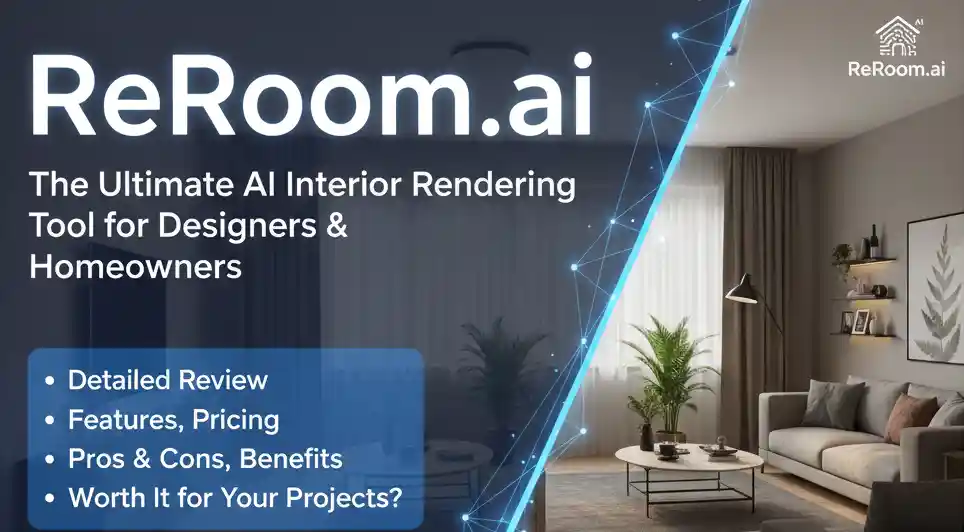
Interior design has always been about imagination. But let’s be honest—clients rarely “see” what designers picture in their minds. You can show moodboards, color palettes, and references, yet nothing beats a polished, photorealistic render.
This is exactly where Reroom.ai shines.
Reroom.ai is quickly becoming the go-to AI rendering platform for designers who want fast, realistic, studio-quality interiors—without the typical learning curve of advanced 3D tools.
In this detailed review, I’ll break down:
- What Reroom.ai actually does
- Who it’s for
- Real usability insights
- Features explained in human language
- Pros, cons, pricing
- Whether it’s better than traditional rendering tools
- And if it’s worth your money
Reroom.ai is an AI-powered interior rendering tool that transforms concepts, sketches, photos, or rough room layouts into realistic, high-quality interior visualizations. It’s designed for architects, interior designers, real estate professionals, and homeowners who want studio-grade renders without spending hours on 3D modeling or hiring expensive artists.
Let’s dive in.
What Is Reroom.ai?
Think of Reroom.ai as your personal interior rendering assistant.
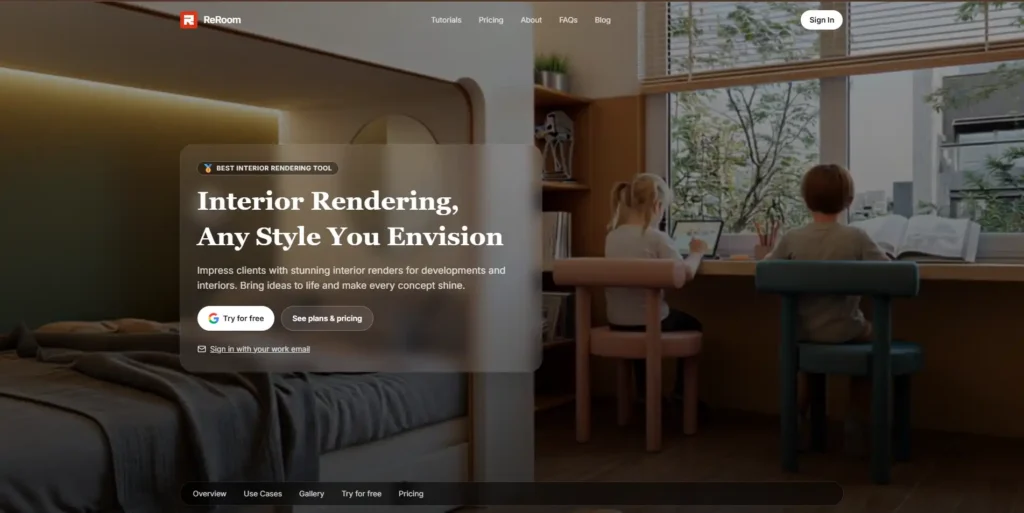
You upload:
- A room photo
- A sketch
- A layout
- Or even an empty space
…and Reroom transforms it into a polished, magazine-worthy interior scene—complete with lighting, materials, and décor.
It removes the hassle of:
- Long modeling hours
- Complicated rendering engines
- Hiring expensive visualizers
- Learning 3D software
Instead, you type what you want (“Modern Scandinavian living room”, “Minimalist workspace”, “Luxury bedroom makeover”) and the platform generates lifelike results in seconds.
Why Reroom.ai Is Getting Attention
Reroom.ai is used by:
- Architects who need fast client presentations
- Interior designers creating room concepts
- Real estate agents staging properties virtually
- Contractors & developers wanting quick previews
- Homeowners experimenting with styles before renovating
Whether you’re designing a villa, a studio, or a single bedroom, Reroom.ai helps you visualize ideas instantly—without touching a 3D modeling tool.
Key Features of Reroom.ai
1. AI Interior Rendering
This is the heart of the platform.
Upload any concept—photo, sketch, blank room—and Reroom generates realistic interiors in your chosen design style.
You can choose styles like:
- Modern
- Contemporary
- Minimalist
- Industrial
- Japandi
- Scandinavian
- Luxury
- Traditional
- Bohemian
- Coastal
- And many more
It’s like having a virtual interior designer that never gets tired.
2. Style Transformations
Have a room photo but want to see it in 10 different styles?
Reroom.ai re-designs the space instantly, saving you hours of moodboard work.
3. Photorealistic Quality
The renders look:
- Clean
- Sharp
- Professionally lit
- Realistic enough to show clients
- Comparable to high-end architectural visualizations
It’s one of the strongest advantages of the tool.
4. Concept to Render
You can turn a simple idea or rough concept into a full visualization.
Example:
“Turn this living room into a cozy rustic retreat with warm lighting and wooden textures.”
Reroom does exactly that.
5. AI Enhancements
If you upload a low-quality render, Reroom enhances it:
- Sharpened details
- Better lighting
- Realistic shadows
- Higher resolution
Great for designers working with old photos or basic renders.
6. Room Optimization
You can experiment with:
- Furniture placement
- Lighting changes
- Color palettes
- Wall textures
- Flooring options
All without opening any design software.
7. Web-Based Platform
No need to install heavy programs.
Everything works online, on any laptop.
Benefits of Using Reroom.ai
Here’s what makes Reroom.ai genuinely useful:
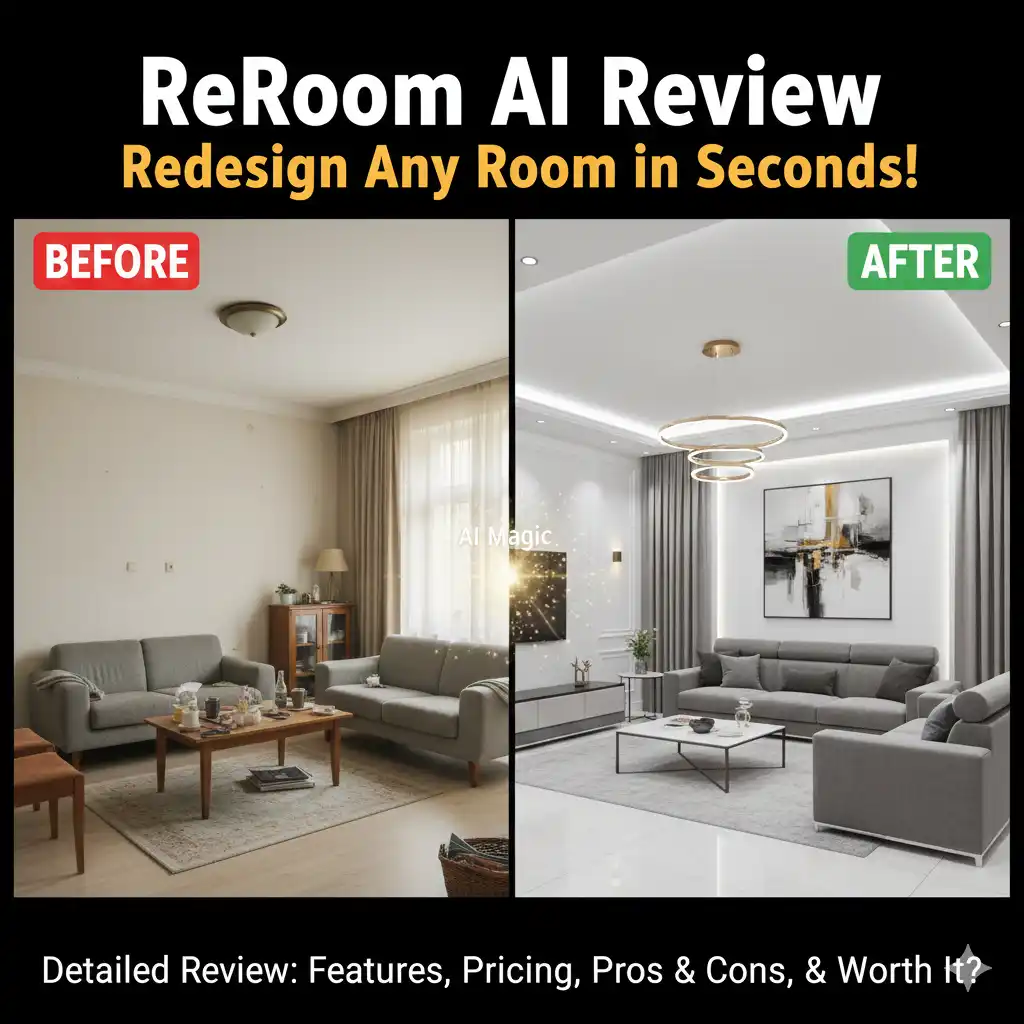
- Saves time (hours reduced to minutes) – No more waiting for renders. Just upload → pick style → done.
- Client-friendly – Clients understand visuals better than words.
- No learning curve – Even beginners can create professional visuals.
- Affordable – Much cheaper than hiring a rendering expert or using premium 3D tools.
- Professional output – Your concept presentations instantly look more polished.
- Multiple design variations – Try many styles—Scandi, modern, traditional—without re-rendering manually.
- Perfect for quick revisions – Clients say “Can we try something lighter?” and you generate a new version in seconds.
Reroom.ai Pricing
Pricing is based on public information at the time of writing.
Reroom offers multiple plans tailored for:
- Students
- Freelancers
- Agencies
- Real estate teams
- Interior design studios
Plans typically include credits for:
- Renders
- Style variations
- Enhancements
- Higher-quality outputs
Compared to hiring a visualizer (₹20,000–₹40,000 per render), Reroom is extremely cost-effective.
Who Should Use Reroom.ai?
Perfect for:
- Interior design studios
- Architects & architectural students
- Real estate professionals
- Home staging agencies
- Construction companies
- Freelance designers
- Homeowners planning renovations
Not ideal for:
- People needing 100% accurate architectural measurements
- Complex 3D modeling or detailed construction drawings
- Large-scale CGI animations
Reroom is not meant to replace advanced 3D tools like Blender, 3ds Max, or SketchUp—it complements them.
Reroom.ai Pros & Cons
Pros
- Ultra-fast rendering
- Highly realistic outputs
- Easy to use—no learning curve
- Affordable for freelancers
- Multiple design styles
- Great for client presentations
- AI enhancements for low-quality photos
- Ideal for interior concept development
- Works online—no installs needed
Cons
- Not meant for technical drawings
- Some outputs may need manual editing
- No complete 3D modeling capabilities
- Internet connection required
- Occasional variation in object accuracy
Why Reroom.ai Stands Out from Other AI Tools
There are many AI image generators—but most fail at interior design because they:
- distort furniture
- break walls
- produce unrealistic lighting
- change room layout
Reroom.ai, on the other hand, is trained specifically on interior spaces, making its outputs consistent and usable for professional presentations.
You get:
- cleaner layouts
- more natural lighting
- accurate room structure
- polished textures
- visually pleasing compositions
This specialization gives it an edge.
FAQ About Reroom.ai
1. Is Reroom.ai free to use? – There is a trial option, but for full features, you need a paid plan.
2. Does it create photorealistic images? – Yes—Reroom is known for lifelike, high-quality renders suitable for client presentations.
3. Can beginners use it? – Absolutely. No design or technical expertise is needed.
4. Does it support multiple styles? – Yes—modern, Scandinavian, luxury, minimalist, boho, industrial, and more.
5. Can architects use Reroom for professional work? – Yes. Many architects use it for concept presentations, moodboards, and early-stage design visualizations.
6. Can it redesign my existing room photo? – Yes—upload your room photo and instantly restyle it.
7. Does it replace 3D modeling tools? – No—but it complements them by reducing conceptual visualization time.
Final Verdict: Is Reroom.ai Worth It?
If you’re tired of spending hours creating interior renders—or struggling to convey your ideas to clients—Reroom.ai is one of the smartest tools you can invest in.
It’s:
- fast
- intuitive
- affordable
- reliable
- and incredibly powerful for concept rendering
Whether you’re a designer, architect, real estate professional, or a homeowner planning a makeover, Reroom.ai gives you the freedom to visualize interiors without technical complexity.
My Recommendation:
If visuals are an important part of your work, YES, Reroom.ai is absolutely worth trying.
Call to Action (CTA)
Ready to transform your design concepts into stunning interiors?
Try Reroom.ai today and experience the future of AI-driven interior rendering. Your next brilliant room design is just one click away.