Interior design is visual by nature.
Your work speaks through textures, layouts, lighting, and mood—not long explanations.
Yet many incredibly talented designers struggle with one thing: presenting their work online in a way that feels as premium as their designs.
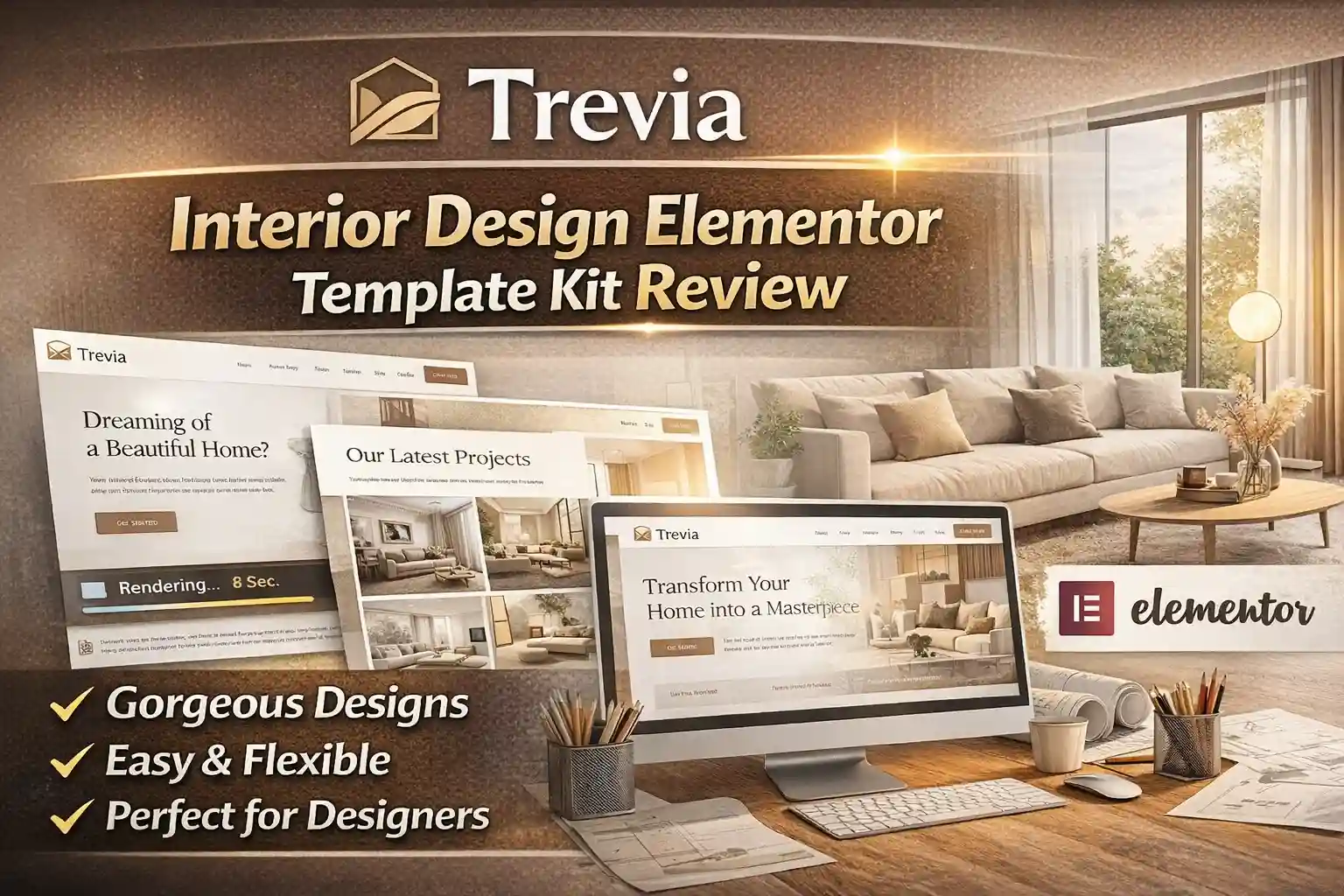
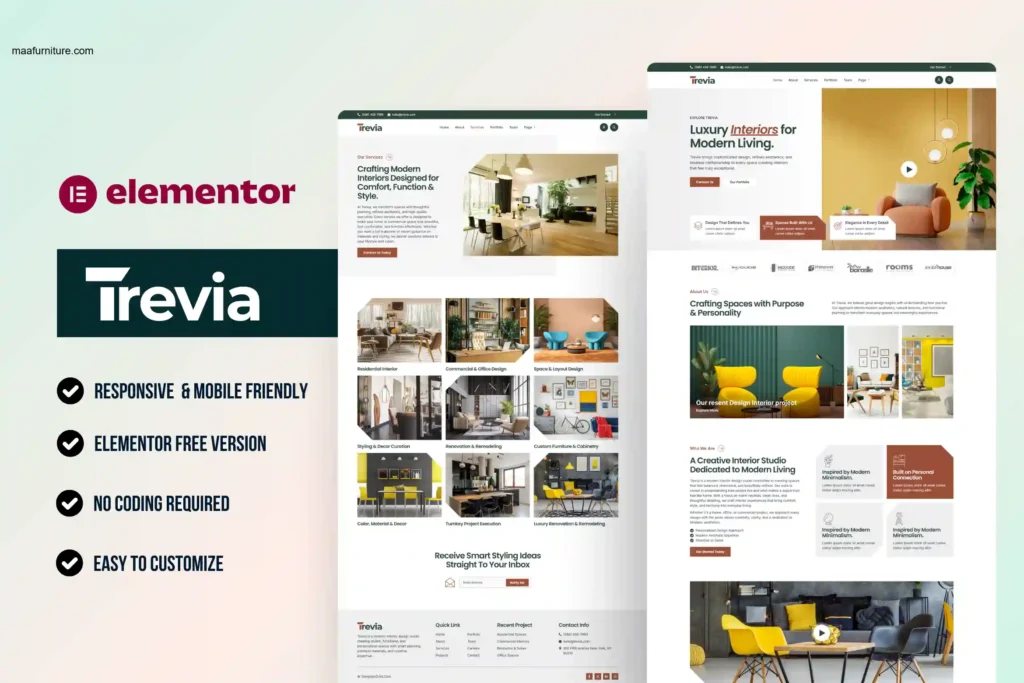
That’s exactly where Trevia – Interior Design Elementor Template Kit fits in.
Trevia isn’t just another website template. It’s a carefully crafted digital canvas designed to showcase interior designers, architects, home décor studios, and creative agencies with elegance, clarity, and confidence—without forcing you to touch a single line of code.
If you want your website to feel refined, modern, and professional—the same way your interiors do—this kit deserves your attention.
Trevia – Interior Design Elementor Template Kit is a modern, fully customizable Elementor-based website kit designed for interior designers, architects, and home décor studios. It offers ready-made pages, portfolio layouts, service sections, and forms to help professionals create a premium, responsive, and SEO-friendly website without coding.
What Is Trevia – Interior Design Elementor Template Kit?
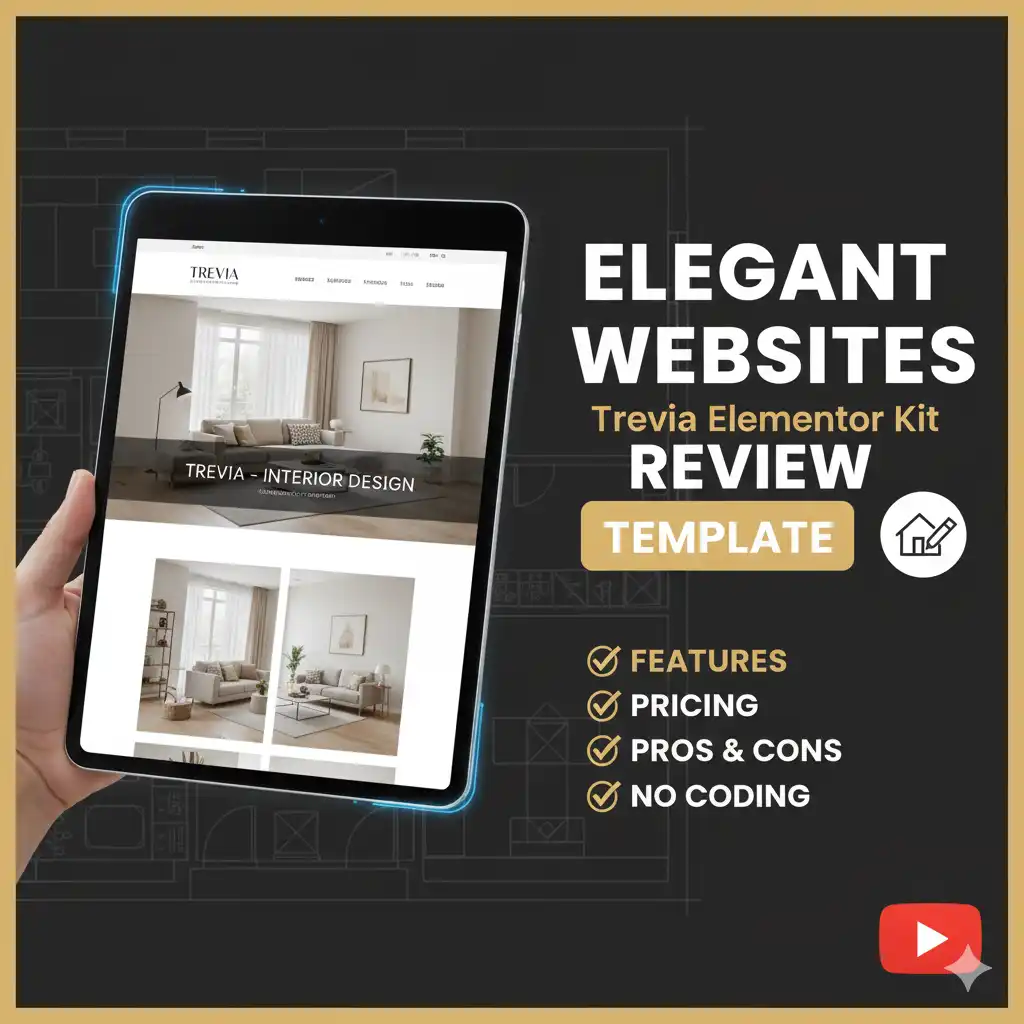
Trevia is a complete Elementor Template Kit, meaning it provides a collection of professionally designed pages and sections that you can import directly into WordPress and customize using Elementor’s drag-and-drop editor.
Important clarification:
Trevia is not a WordPress theme.
Instead, it works with Elementor and compatible plugins to give you full design flexibility.
Trevia focuses on visual storytelling—allowing interior designers and architecture firms to showcase projects, services, teams, careers, and blogs in a clean, editorial-style layout that feels high-end and modern.
Design Philosophy Behind Trevia
What sets Trevia apart isn’t flashy animation or over-designed sections. It’s restraint.
The layouts are:
- Clean and spacious
- Image-first
- Typography-driven
- Structured for storytelling
This approach works exceptionally well for creative professionals because it keeps the focus where it belongs—your work.
Features Overview: What You Get with Trevia
Trevia is a full website system, not just a homepage template.
1. Professionally Designed Page Templates
Trevia includes all essential pages needed for a complete interior design website:
- Home Page
- About Page
- Services Page
- Service Details Page
- Portfolio Page
- Team Page
- Careers Page
- Blog Archive
- Single Blog Post
- Contact Page
- 404 Error Page
- Coming Soon Page
Each page follows consistent design logic, making the website feel cohesive and intentional.
2. Portfolio-Centric Layouts
For interior designers, the portfolio is the heart of the website.
Trevia’s portfolio layouts:
- Highlight project images beautifully
- Maintain balance between visuals and descriptions
- Help visitors understand your design process
- Feel premium without overwhelming the user
This makes it ideal for both studio showcases and client presentations.
3. Built with Elementor (No Coding Needed)
Trevia is built entirely with Elementor’s visual editor.
That means you can:
- Edit text visually
- Replace images easily
- Rearrange sections freely
- Customize colors, fonts, and spacing
- Build pages faster than traditional themes
No developer dependency. No technical frustration.
4. Integrated Forms (Contact, Careers, Newsletter)
Trevia includes ready-to-use forms for:
- Client inquiries
- Career applications
- Newsletter subscriptions
These forms are thoughtfully placed to support lead generation, not just design aesthetics.
5. Header & Footer Customization
Using compatible Elementor extensions, Trevia allows:
- Custom header layouts
- Professional footers with navigation
- Brand-consistent design across pages
This ensures your website looks polished from top to bottom.
6. Responsive & SEO-Friendly Structure
Trevia is built with performance and responsiveness in mind:
- Mobile-friendly layouts
- Fast-loading sections
- Clean HTML structure
- SEO-ready design hierarchy
This helps your website look great and perform well in search engines.
Why Choose Trevia Over Other Elementor Kits?
There are hundreds of Elementor kits available—but most suffer from one of two problems:
- They look generic
- They try to do too much
Trevia avoids both.
Here’s why Trevia stands out:
- Designed specifically for interior and architectural professionals
- Focuses on elegance, not clutter
- Balances creativity with usability
- Feels premium without being complicated
- Built for real business needs (leads, careers, blogs)
It doesn’t scream for attention—it earns it.
Pros and Cons of Trevia
| Pros | Cons |
|---|---|
| Elegant, premium design | Not a full WordPress theme |
| Beginner-friendly with Elementor | Requires Elementor-compatible plugins |
| Portfolio-focused layouts | Demo images must be replaced |
| Fully responsive | Best results need good-quality visuals |
| SEO-friendly structure | No built-in eCommerce |
Who Should Use Trevia?
Trevia is ideal for:
- Interior Designers – Perfect for showcasing residential or commercial projects in a clean, modern format.
- Architecture Firms – Helps present concepts, team expertise, and portfolios professionally.
- Home Décor & Renovation Studios – Great for service-based businesses focused on aesthetics and trust.
- Creative Agencies – Works well for branding, design studios, and creative consultancies.
- Freelancers & Small Studios – Affordable, fast to launch, and highly professional.
Pricing and Value for Money
Trevia is available under a one-time purchase model, making it extremely cost-effective.
What You’re Paying For:
- Complete website template system
- Professional UI/UX design
- Multiple ready-made pages
- Long-term usability
- No recurring subscription
Compared to hiring a designer or developer, Trevia offers exceptional value—especially for startups and small studios.
Real-World Use Case Example
Imagine an interior designer launching a new studio.
Instead of spending weeks on branding and web development, they can:
- Install WordPress
- Import Trevia
- Replace demo images with real projects
- Customize colors and typography
- Publish the website within days
Result?
A website that feels established, credible, and premium from day one.
Final Verdict: Is Trevia Worth It?
If your brand depends on aesthetics, trust, and presentation—yes, absolutely.
Trevia isn’t trying to be everything for everyone. It knows its audience and serves them well.
It’s best suited for professionals who want:
- A refined online presence
- Quick website setup
- Creative freedom
- Business-ready structure
Trevia feels less like a template—and more like a design partner.
Frequently Asked Questions (FAQs)
1. Is Trevia a WordPress theme?
No. Trevia is an Elementor Template Kit that works inside WordPress using Elementor.
2. Do I need coding skills to use Trevia?
Not at all. Everything is editable using Elementor’s drag-and-drop editor.
3. Can I use Trevia for client projects?
Yes, it can be used for a single client project under a regular license.
4. Is Trevia mobile responsive?
Yes. All layouts are optimized for desktops, tablets, and mobile devices.
5. Can Trevia be customized to match my brand?
Absolutely. Colors, fonts, layouts, and sections can be fully customized.
Conclusion & Call to Action
Your interior design work deserves more than a basic website.
It deserves a digital presence that feels intentional, refined, and professional.
Trevia – Interior Design Elementor Template Kit gives you that edge—without complexity, without bloated features, and without long setup times.
If you want your website to reflect the same quality as your designs, Trevia is a smart place to start.
Build a website that speaks your design language—clean, confident, and captivating.